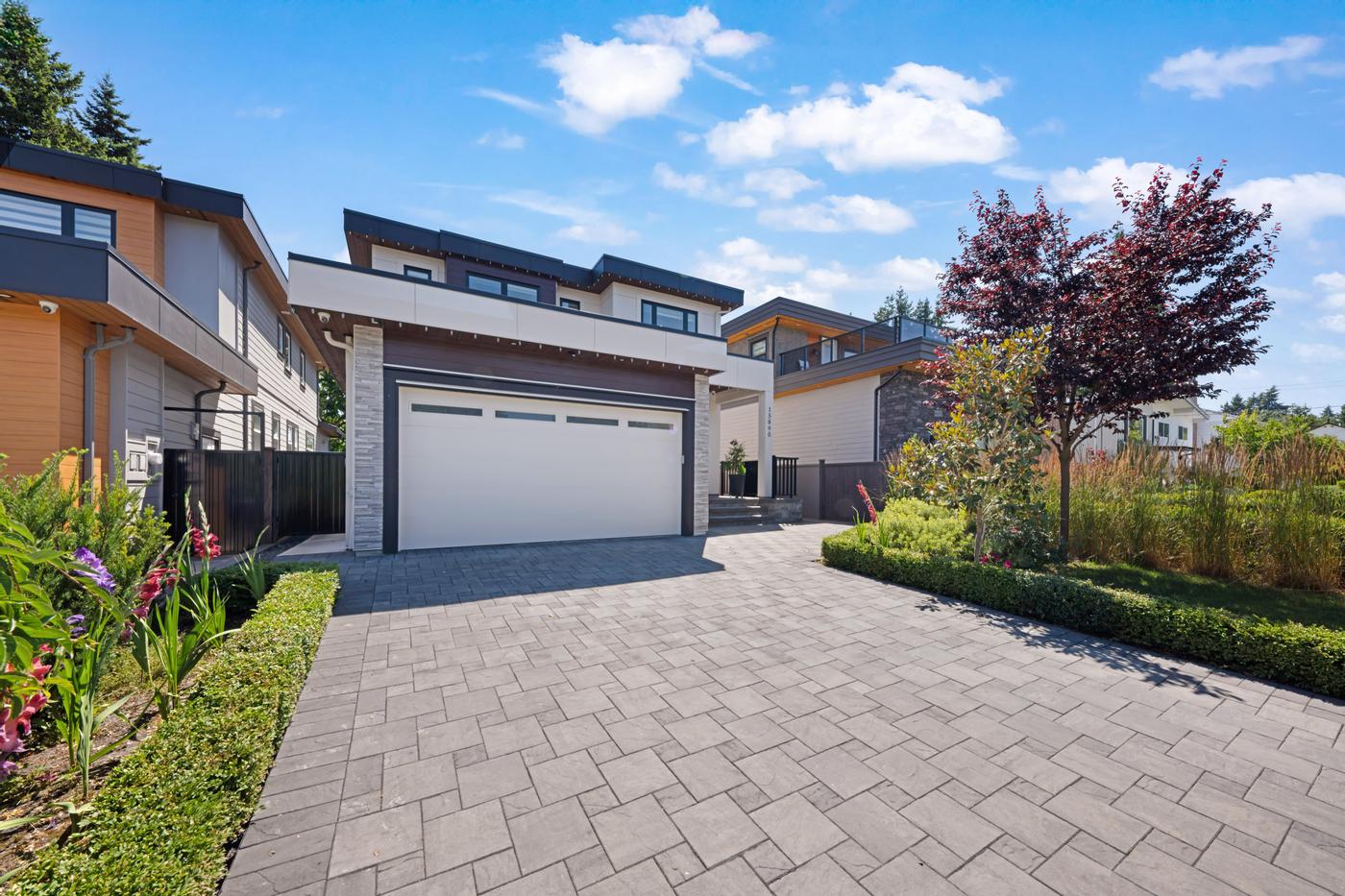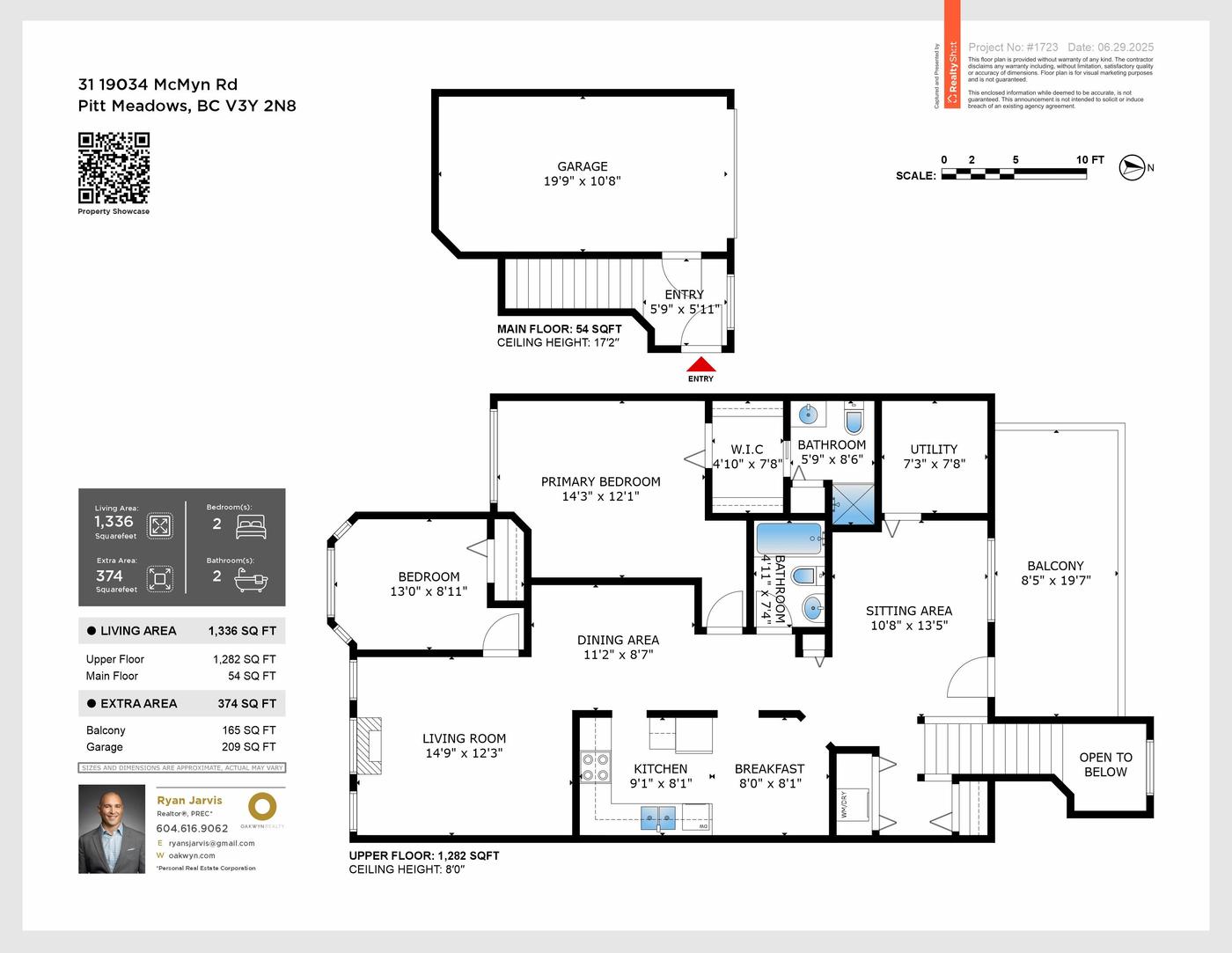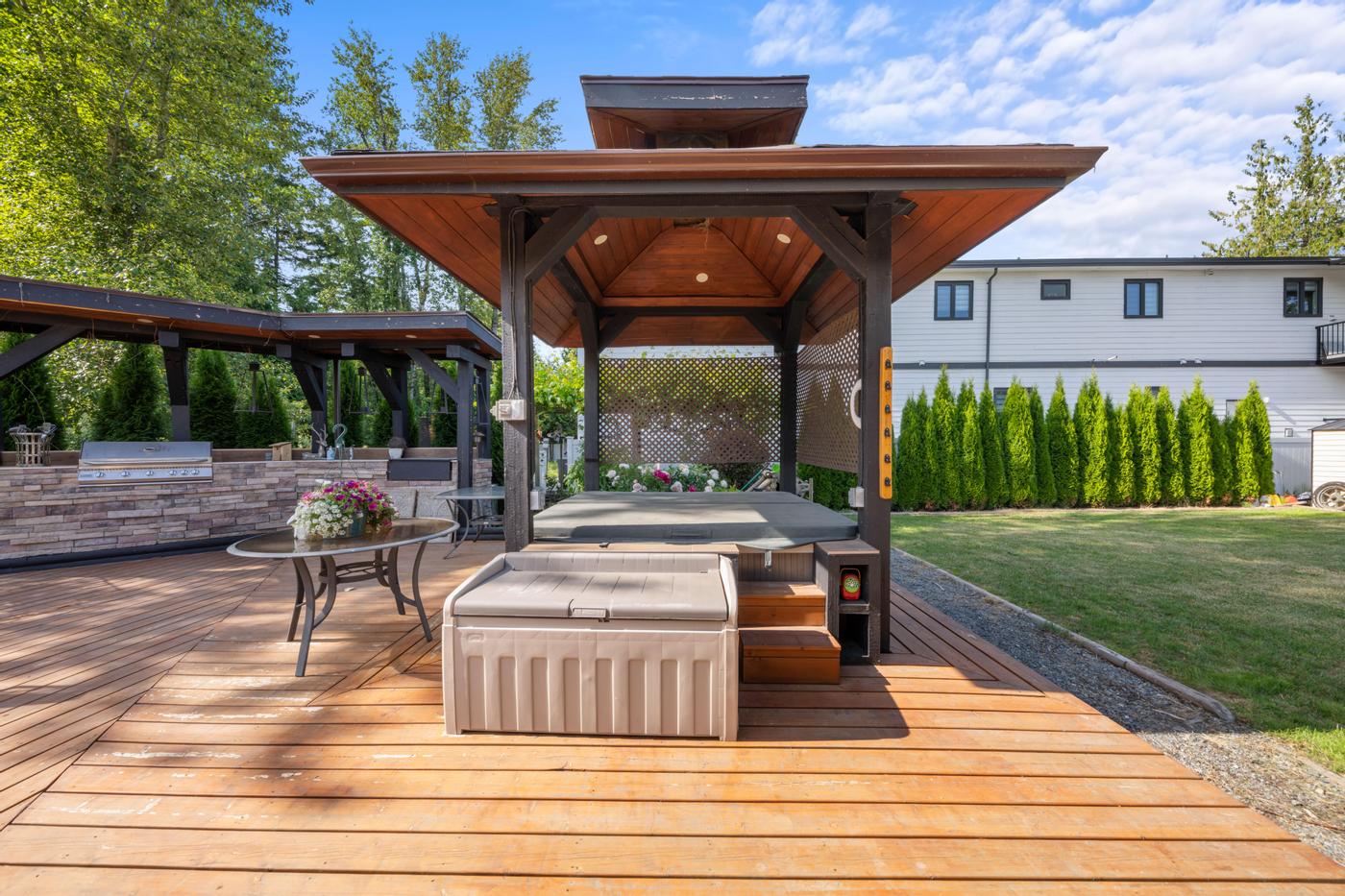
Great listing photos get people to stop scrolling. The caption decides what they do next. Too many listing posts end up with either a single line ("Just listed!") or a pasted MLS description that reads like a spec sheet on a phone screen. Neither gives a buyer a reason to tap through, and neither shows a future seller how you market a home.
This guide gives you a caption formula you can reuse for every listing, examples for different post types, and a checklist to run before you publish.
What a listing caption has to do
A social caption is not the MLS remarks. It has a narrower job:
- Stop the right people. The first line has to speak to the buyer who would actually want this home.
- Answer the first two questions. Usually that's where the home is and what kind of living it offers.
- Send people to one place for everything else: the full photo set, the floor plan, the video and showing details.
- Carry your required disclosures so the post is compliant wherever it gets shared.
Everything else is optional. Short captions are easier to read on a phone, so put the most important line first and let the rest support it.
The five-part caption formula
1. The hook
Lead with the one thing that makes this home different, written for the person who would buy it. "A fenced yard two blocks from the elementary school" works harder than "Beautiful family home." If the strongest feature is visual, such as a view or a dramatic kitchen, the hook can simply point the reader to it: "Swipe to the third photo."
2. The three facts
Give the basics in one short line: neighbourhood, home type and layout. For example: "Two bedrooms plus den, corner unit, Brentwood." Avoid stacking every room and finish into the caption; that's what the listing and the floor plan are for.
3. The detail that answers an objection
Every listing has a question buyers will ask. Is there parking? Where is the suite? Which bedroom gets the view? Use one line to answer it, ideally pointing to the media that proves it. A floor plan or Floor View Tour is often the easiest way to show how rooms connect, because each photo sits on the plan at the spot where it was taken, facing the way the camera faced.
4. One clear next step
Pick a single call to action: view the full listing, book a showing or watch the video. A single-property website gives you one link that holds the photos, video, floor plan and tour together, which keeps the caption simple and the link in your bio useful.
5. Disclosures and tags
Close with your brokerage and licensee details as your brokerage policy and BCFSA advertising guidance require, plus a short note on any altered images, such as "Some photos are virtually staged" when you've used virtual staging. Add location tags and a few relevant hashtags at the end so they don't crowd the hook.
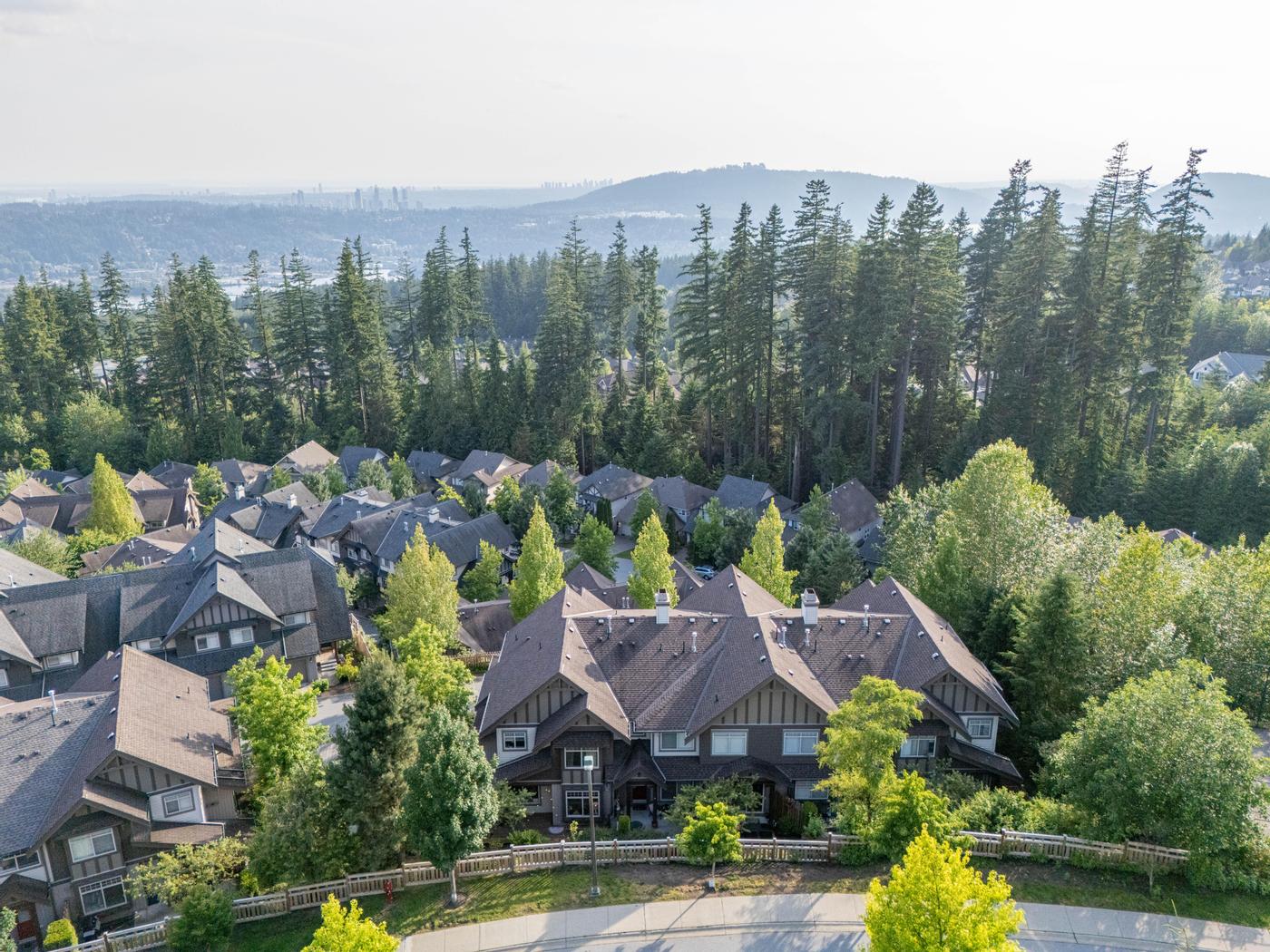 Our work · Port Moody
Caption examples by post type
The same listing can carry several posts. Change the angle each time so the captions don't repeat.
- Launch post (carousel): "Morning light, a west-facing balcony and a kitchen built for people who cook. Two bed plus den in Brentwood. Full photo tour and floor plan at the link in bio."
- Layout post (floor plan or Floor View Tour clip): "Wondering where the den sits? Tap through the tour: every photo is placed on the floor plan where it was taken."
- Video post (reel): "One minute through the main floor. Open house Saturday; details at the link." A SpeedSell Video made from the listing photos or a clip from the cinematic video both work here.
- Neighbourhood post: "A short walk to the SkyTrain, a few minutes more to the park. Here's what's around the corner."
Our two weeks of posts schedule shows how to space these across a listing's first fortnight.
Write alt text for every image
Instagram and Facebook both let you add custom alt text to photos. It helps people using screen readers understand the post, and it gives you one more chance to describe the home accurately. Keep it plain and factual: "Open-plan kitchen with white cabinets and an island, looking toward the living room and balcony." Leave marketing language out of alt text; describe what is in the photo.
Pre-publish checklist
Before you post, check that:
- The first line works on its own if the rest is cut off.
- The facts match the listing exactly: bedrooms, bathrooms, home type and neighbourhood.
- There is only one call to action, and the link works on a phone.
- Brokerage and licensee details are included as required.
- Altered images are labelled, and the photos match the home as it is today.
- The sellers are comfortable with the address, interior photos and open house details being public.
- Every image has alt text.
Let the media do the heavy lifting
Captions are easier to write when the media already answers the hard questions. Clear photos give you the hook, a floor plan or Floor View Tour answers the layout question, a video gives you motion for reels, and a property website gives you one link to send everyone to. The Signature package currently includes HDR Photography, Cinematic Video, a Floor Plan (LiDAR), a Floor View Tour, a Property Website and Brochure Design. Live contents and pricing are below.
Package
Signature
- HDR Photography
- Cinematic Video
- Property Website
- Floor Plan (LiDAR)
- Virtual Tour (FloorView)
- Brochure Design
Keep a caption bank
Save every caption that performs well in a simple document, sorted by post type. After a few listings you'll have a set of proven hooks and calls to action you can adapt in minutes, and your feed will start to sound consistently like you. For more on fitting listing posts into a routine, see our weekly social media system for realtors.