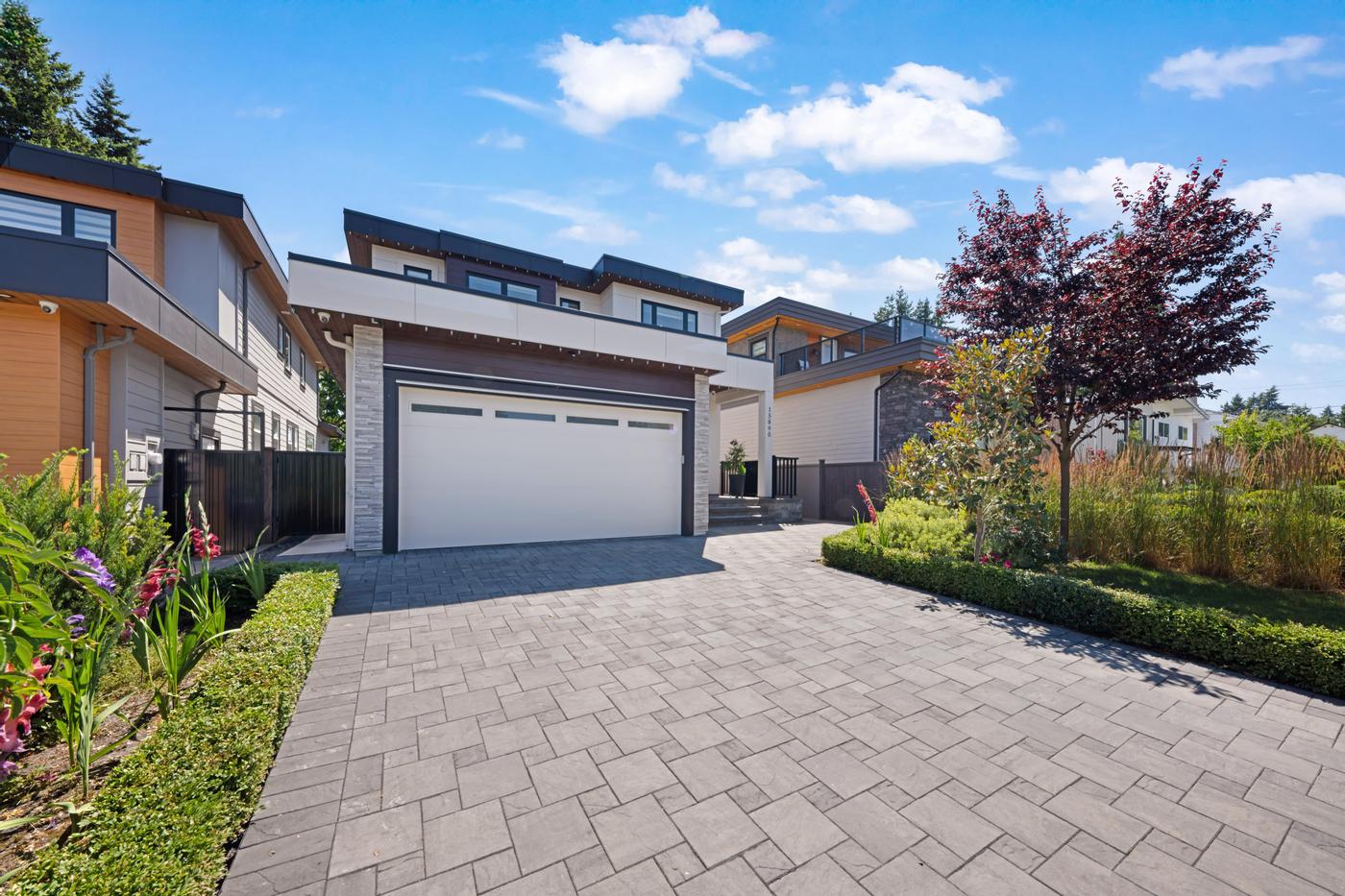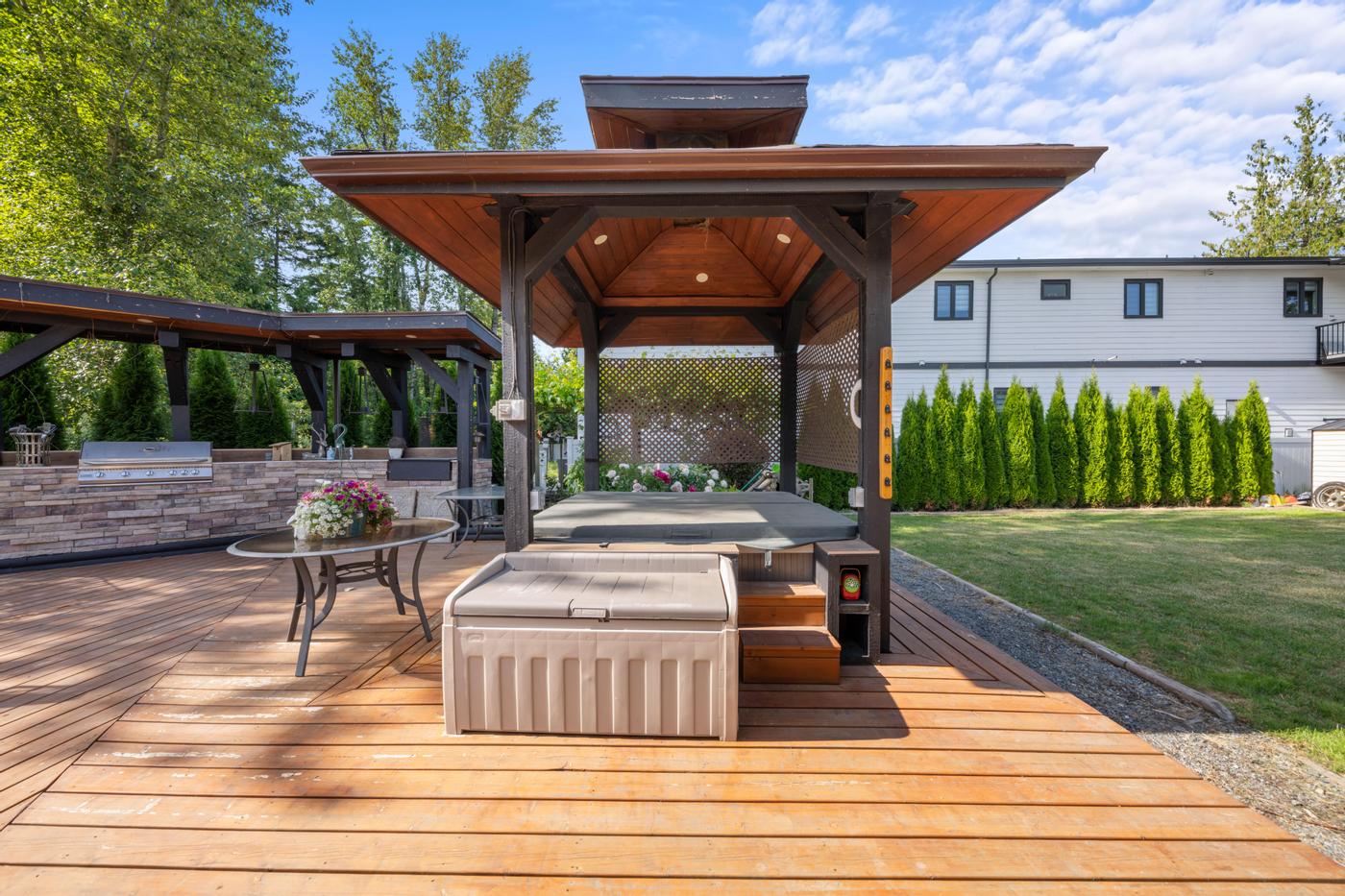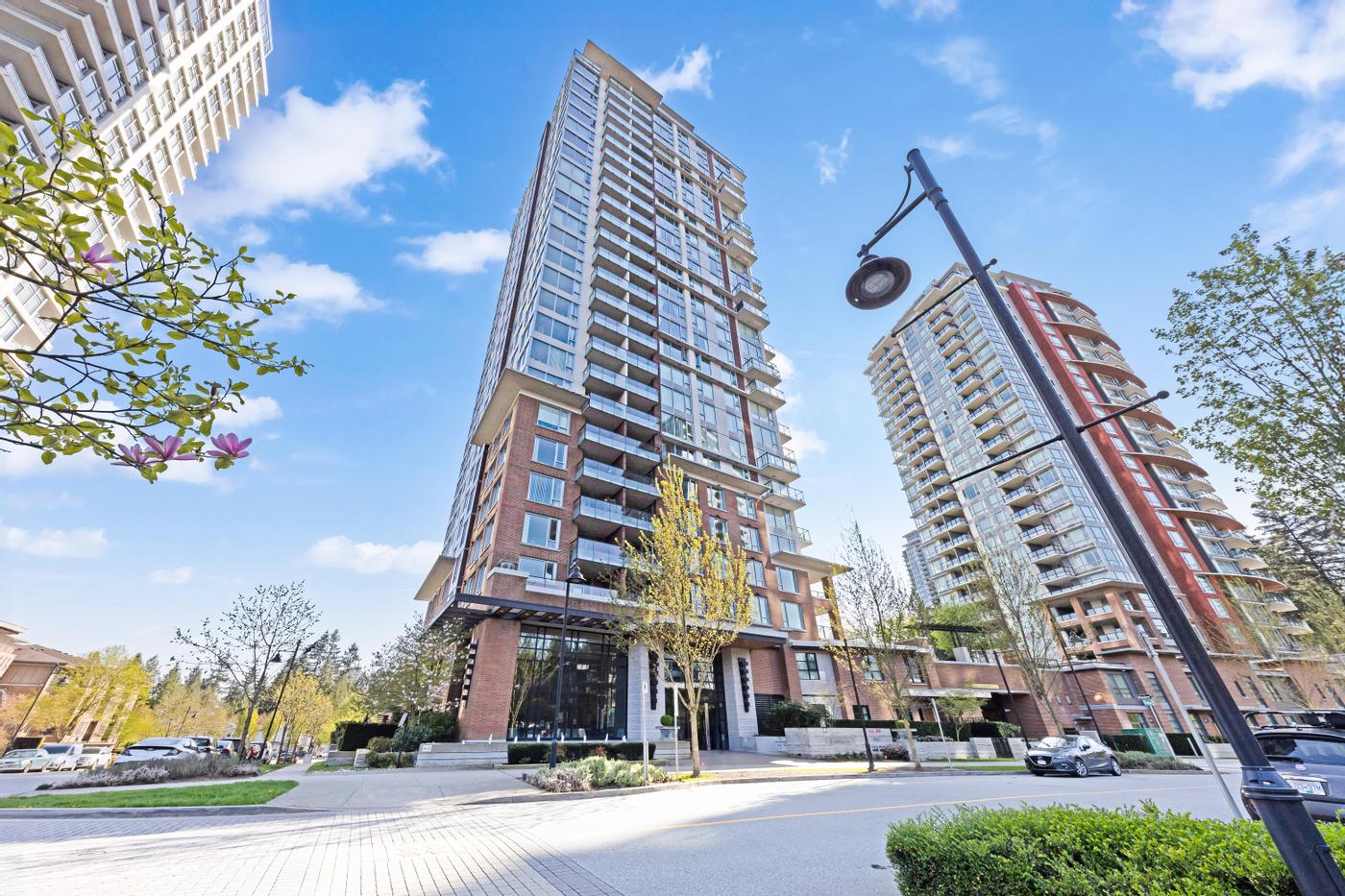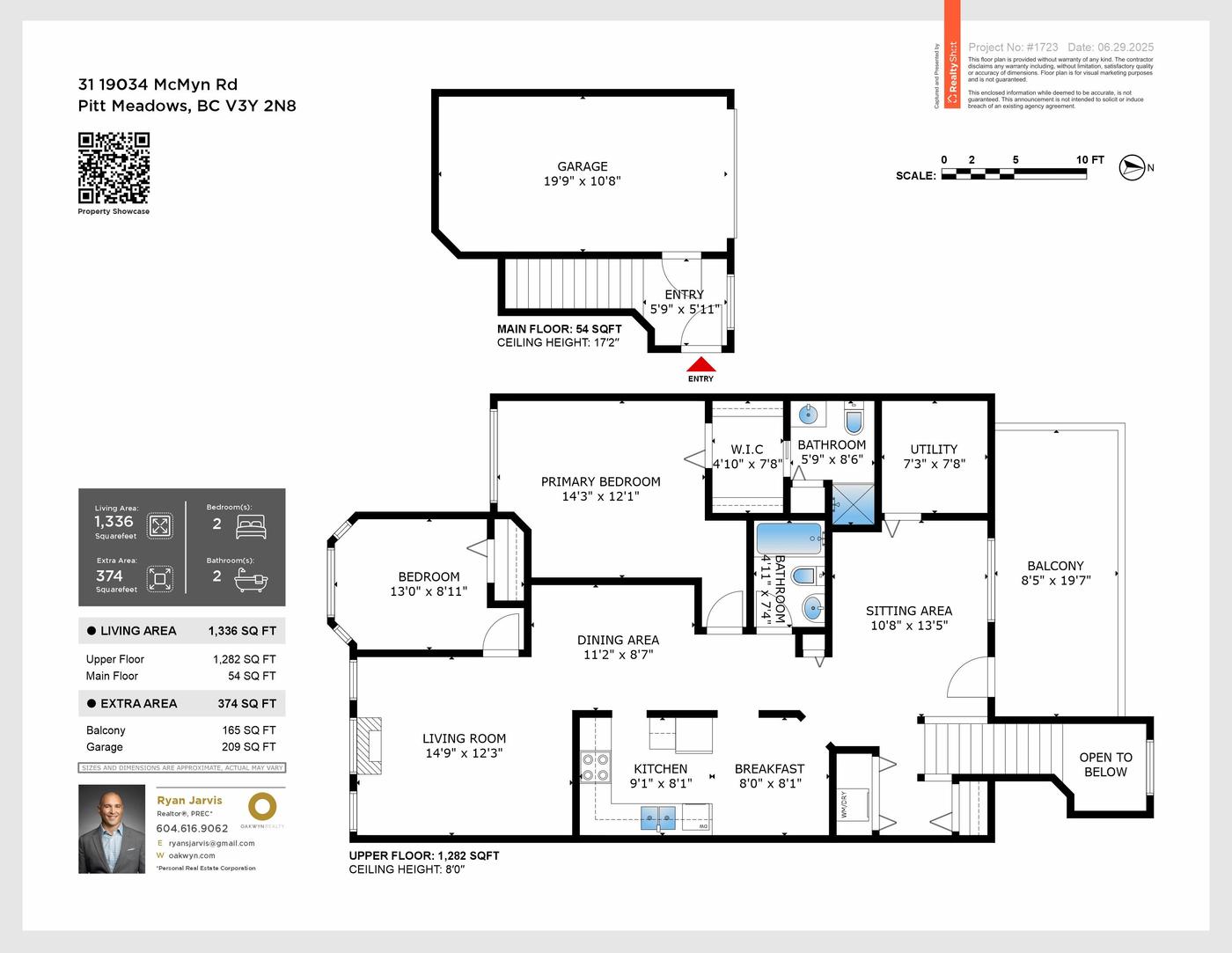
Photos show rooms one at a time. Video shows how the rooms connect, how light moves through the home and what it feels like to walk in the front door. That's why video keeps buyers on a listing longer and gives you more to post. But "add video" isn't one decision. The kind of video, and how you use it, matters as much as whether you have it.
What video does better than photos
- Flow. Buyers see the path from entry to kitchen to living space, and how the main floor connects to the yard.
- Scale. Movement gives a sense of ceiling height and room size that wide-angle stills can't.
- Atmosphere. Light, views and indoor-outdoor living come through. A slow reveal of a mountain or water view does something a single still can't.
- Reach. Social platforms favour video, so it extends the listing's audience beyond people already searching.
Two very different kinds of listing video
Cinematic Video: filmed on site
Cinematic Video is a walkthrough filmed at the property with smooth camera movement and music. It's the right choice when layout, flow or atmosphere is a selling point: open-plan homes, view properties, luxury listings, and anything you'll promote heavily. Because it's filmed in the home, it shows the real relationship between spaces, which is exactly what buyers want to understand before they book a showing.
SpeedSell Video: a one-minute video from your photos
SpeedSell Video is a one-minute video generated with AI from your listing photos. It's a lighter way to have motion content for social posts on launch day. Because it's built from stills, it adds movement to the photos rather than moving through the space.
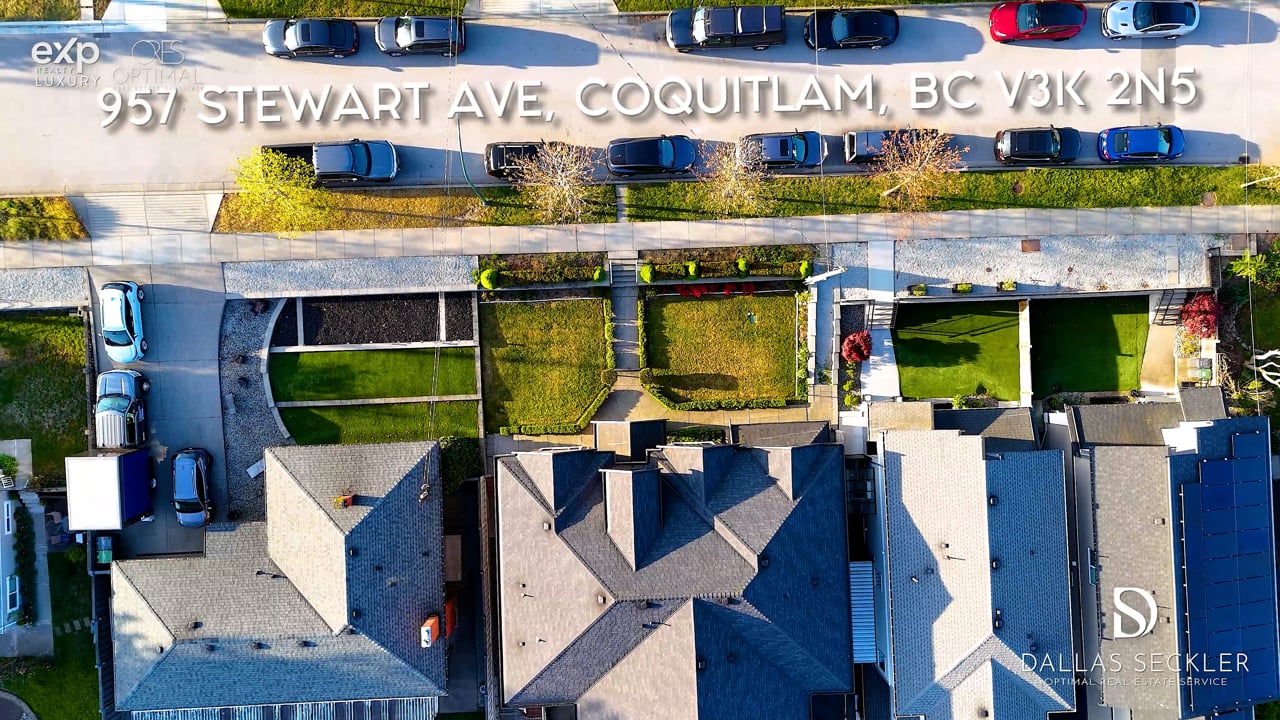 Our work · Coquitlam
Which one fits this listing?
Ask three questions:
- Does the home's appeal depend on how it flows? Open plans, split levels with long sightlines and homes built around a view usually justify filmed video.
- Will you promote this listing heavily, on social media or to out-of-town buyers? The more places the video will run, the more value you get from filming.
- Is the listing straightforward, and the main need simply motion for social posts? A compact condo or a standard layout is often well served by a SpeedSell Video.
Video isn't the only way to show a home's layout. A Matterport 3D tour lets buyers explore at their own pace, and a Floor View Tour pins each listing photo to the floor plan where it was taken, while video tells a guided story with pacing and music. They do different jobs, and larger homes often benefit from more than one.
Where video gets watched
- On the property website, near the top
- As native uploads on Instagram, Facebook, TikTok and YouTube
- In buyer emails and on a QR code at the open house
- In the listing's virtual tour field, where your board allows it
Decide before the shoot where each version will run, so the key spaces are captured in a way that works for both the website and vertical social formats. Our two-week content schedule shows how to spread clips across a listing's first fortnight.
Tips for a video buyers finish
- Prepare every room. Video shows more of each space than photos do, including corners you'd normally leave out of frame.
- Lead with the best space, not the front door. The opening seconds decide whether people keep watching.
- Keep it honest. Smooth movement flatters a home, but it shouldn't disguise a small room or skip an awkward one buyers will find at the showing.
- Pair video with a floor plan. A LiDAR floor plan helps buyers place what they saw and turns interest into informed showing requests.
- Plan for sound off. Many people scroll with the sound muted, so the visuals need to carry the story on their own.
Getting the home ready for filming
Sellers usually prepare for photos; video asks a little more. Before the shoot, walk the route a camera would take through the home and look at it the way a moving lens will:
- Clear hallways and stairs, which appear in video far more often than in photos.
- Close closet doors and hide cords, laundry and pet gear along the path.
- Turn off ceiling fans and TVs, and keep pets and people out of the home during filming.
- Open blinds evenly throughout, not just in the main rooms.
Timing in Metro Vancouver
Video depends on light even more than photos do. On grey, rainy days, interiors can look flat on camera, and short winter afternoons leave less daylight to work with. Where the listing date allows, schedule filming for the brightest part of the day, and have sellers ready the whole home, not just the rooms that appear in the photos.
Packages with video
Cinematic Video is currently included in the Signature and All-in-One packages. Signature pairs it with HDR photos, a LiDAR floor plan, a Floor View Tour, a property website and a print-ready brochure, so the video and the layout tools sit side by side and the brochure can point buyers back to the film. Contents and prices below are live.
Package
Launch
Package
Showcase
Package
Signature
- HDR Photography
- Cinematic Video
- Property Website
- Floor Plan (LiDAR)
- Virtual Tour (FloorView)
- Brochure Design
Package
All-in-One
- HDR Photography
- Cinematic Video
- Virtual Tour (Matterport)
- Floor Plan (3D Scan)
- Drone Photography
- Property Website
- Brochure Design
The bottom line
If the home has a story that moves (light, flow, a view revealed as you walk in), film it. If you need motion for social on a budget, generate it from the photos.