Most realtors don't need four package guides open in four tabs. They need a quick way to answer one question before they book: which package fits this listing? This guide compares Launch, Showcase, Signature and All-in-One side by side, explains what changes as you move up, and shows how to match a package to the home in front of you.
The four packages at a glance
Each package builds on the same foundation: HDR photography and a measured floor plan. What changes is how much help buyers get with layout, atmosphere and setting.
- Launch: HDR Photography and a Floor Plan (LiDAR). The essentials every listing needs.
- Showcase: everything in Launch, plus a Floor View Tour, a Property Website and Brochure Design.
- Signature: everything in Showcase, plus Cinematic Video.
- All-in-One: HDR Photography, Cinematic Video, a Matterport 3D tour, a Floor Plan (3D Scan), Drone Photography, a Property Website and Brochure Design.
Notice that All-in-One is not simply Signature with more added. It swaps the Floor View Tour for a Matterport 3D walkthrough, uses a 3D Scan floor plan instead of LiDAR, and adds aerial photos. That makes it a different tool, not just a bigger one.
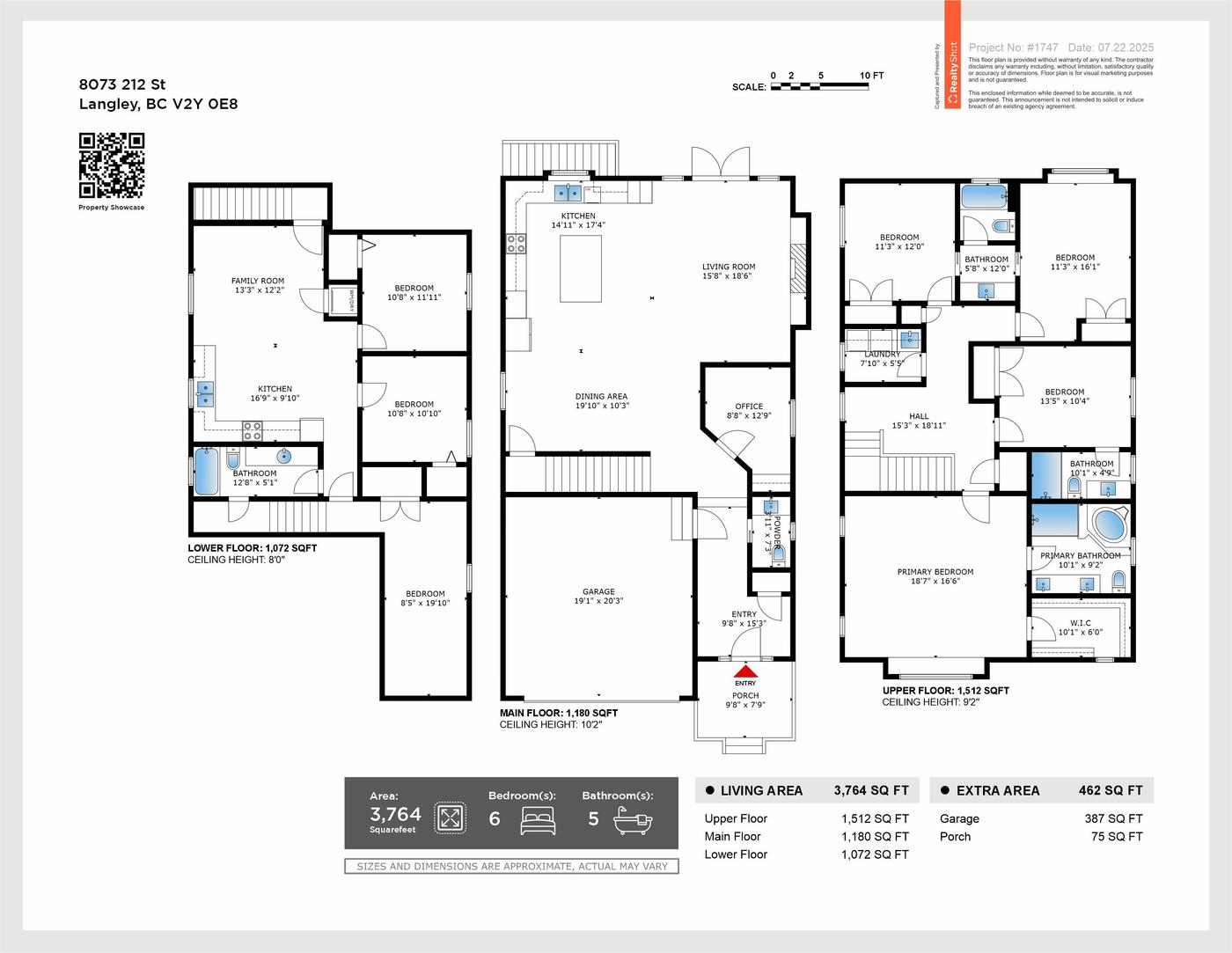 Our work · Langley
What each step up adds
From Launch to Showcase: layout and one link
Launch covers what buyers check first: the photos and the floor plan. Showcase adds three things that help buyers understand and share the home.
The Floor View Tour places each listing photo on the floor plan at the spot it was taken, pointed in the direction the camera faced. Buyers can see exactly which bedroom they're looking at and where it sits. It's built from your listing photos, so it isn't a 3D walkthrough or a 360° tour; it's a clearer way to read the layout.
The Property Website gives the listing one link that gathers the media in one place, which is useful for social posts, email and showing feedback. Brochure Design gives you a ready-to-print piece for showings and open houses.
Move up to Showcase when the layout is the main question buyers will have: townhomes across several levels, homes with a suite, or condos with similar-looking bedrooms. Our Showcase package guide covers it in detail.
From Showcase to Signature: movement and mood
Signature adds Cinematic Video, a filmed walkthrough with music. Video shows how spaces connect and how the home feels as you move through it: an open kitchen flowing to a patio, a bright entry, a view that opens up as you climb the stairs. It's also a natural fit for social media, where short clips from the walkthrough can be reused across posts.
Choose Signature when the home's flow or atmosphere is part of the pitch, or when you plan to promote the listing heavily online. See the Signature package guide for how the pieces work together.
All-in-One: immersion and setting
All-in-One is built for listings where buyers want to explore on their own terms and where the land around the home matters. The Matterport 3D tour lets buyers move through the home room by room online, which suits relocating and out-of-town buyers who shortlist before they visit. Drone Photography shows the lot, the setting and the neighbourhood context that ground-level photos can't.
It fits larger detached homes, view properties, acreages and luxury listings. The All-in-One package guide explains who it suits best.
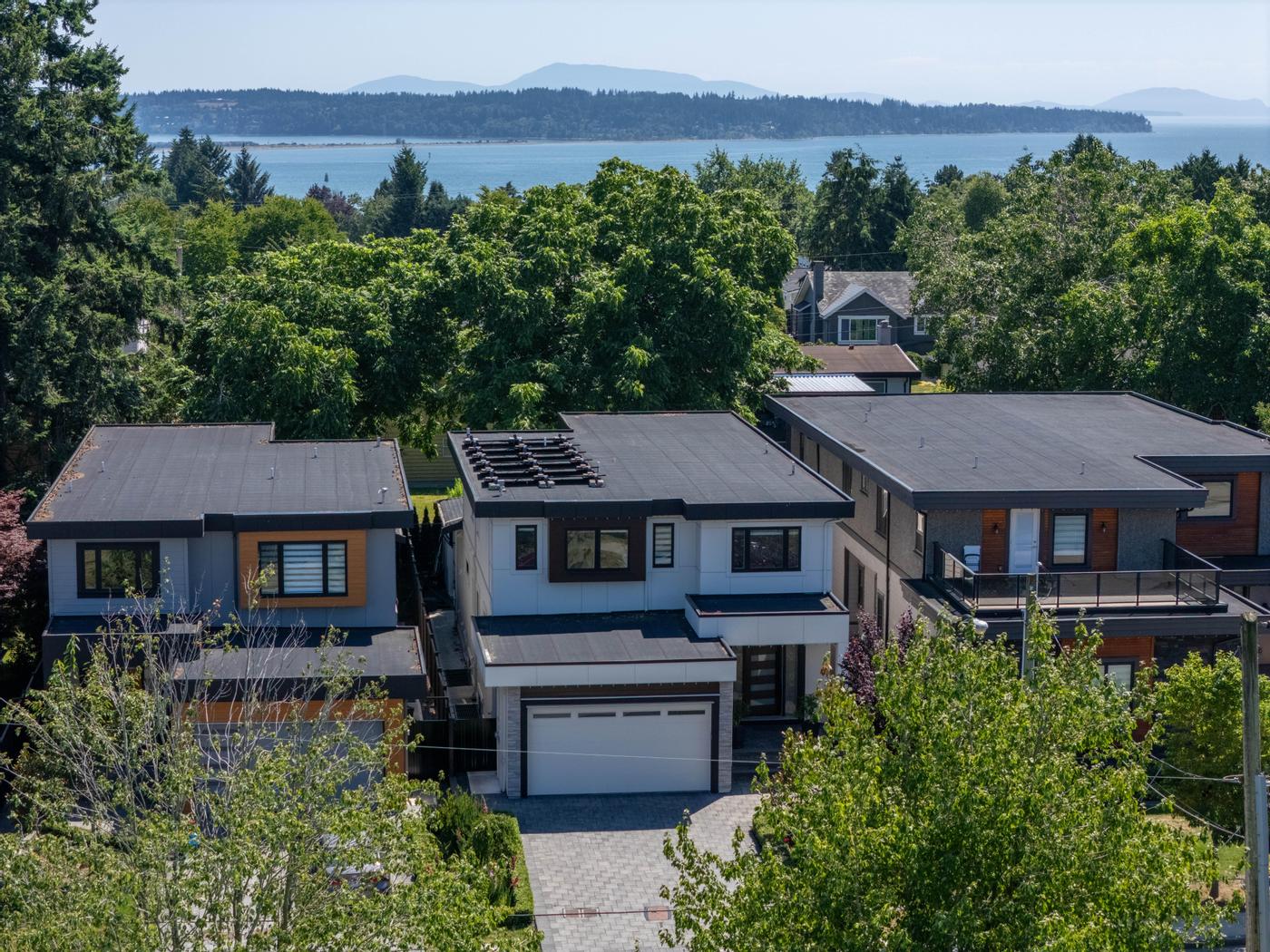 Our work · White Rock
Match the package to the property
Use these as starting points, then adjust for the specific home:
- Small condo with a simple layout: Launch. Clean photos and a floor plan answer most questions.
- Condo with a den, or similar bedrooms: Showcase. The Floor View Tour stops buyers mixing up rooms.
- Three-level townhome or home with a suite: Showcase, or Signature if you'll promote on social media.
- Family home with great flow or outdoor living: Signature. Video carries the feel of the space.
- Luxury, view or acreage property: All-in-One, for the 3D tour and aerials.
- Out-of-town buyer pool: All-in-One, so buyers can walk through before booking a flight.
If you're still unsure where to start, the Launch package guide explains why photos and a floor plan are the foundation for every listing.
When to book a package and when to add services
A package makes sense when the home needs most of what's in it. If you'd skip half the contents, booking individual services may suit better. The reverse also happens: a Launch listing that needs a Floor View Tour, a website and a brochure is already a Showcase listing.
Some needs sit outside the packages and can be booked alongside them where the home calls for it:
- Twilight Photography for a standout cover image on detached and view homes.
- Virtual Staging for vacant rooms that photograph small, with staged images clearly labelled.
- SpeedSell Video, a one-minute video generated from your listing photos, for quick social content.
- Property Report when buyers want room dimensions in writing.
- Drone Photography on a Signature or Showcase listing with a lot or setting worth showing.
Here are the current packages with their live contents and pricing:
Package
Launch
Package
Showcase
Package
Signature
- HDR Photography
- Cinematic Video
- Property Website
- Floor Plan (LiDAR)
- Virtual Tour (FloorView)
- Brochure Design
Package
All-in-One
- HDR Photography
- Cinematic Video
- Virtual Tour (Matterport)
- Floor Plan (3D Scan)
- Drone Photography
- Property Website
- Brochure Design
Decide before shoot day
The most common mistake is upgrading after launch. Adding video or aerials later means another visit, more seller preparation and a second announcement. Walk the home as a buyer would, note what will be hard to understand online, and pick the package that answers those questions from day one. Square footage, access notes and strata rules are worth having ready when you book, so the shoot runs smoothly.