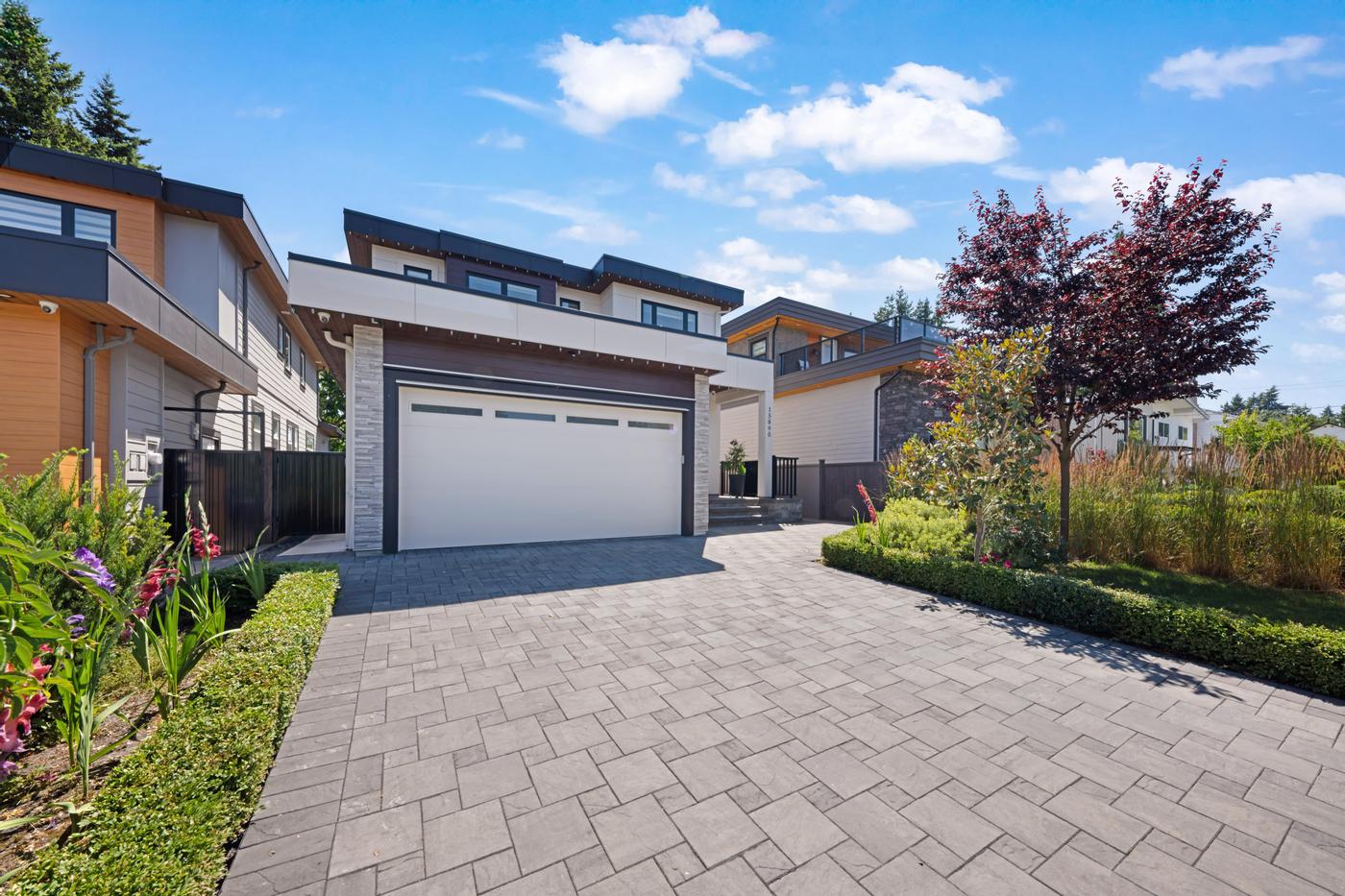
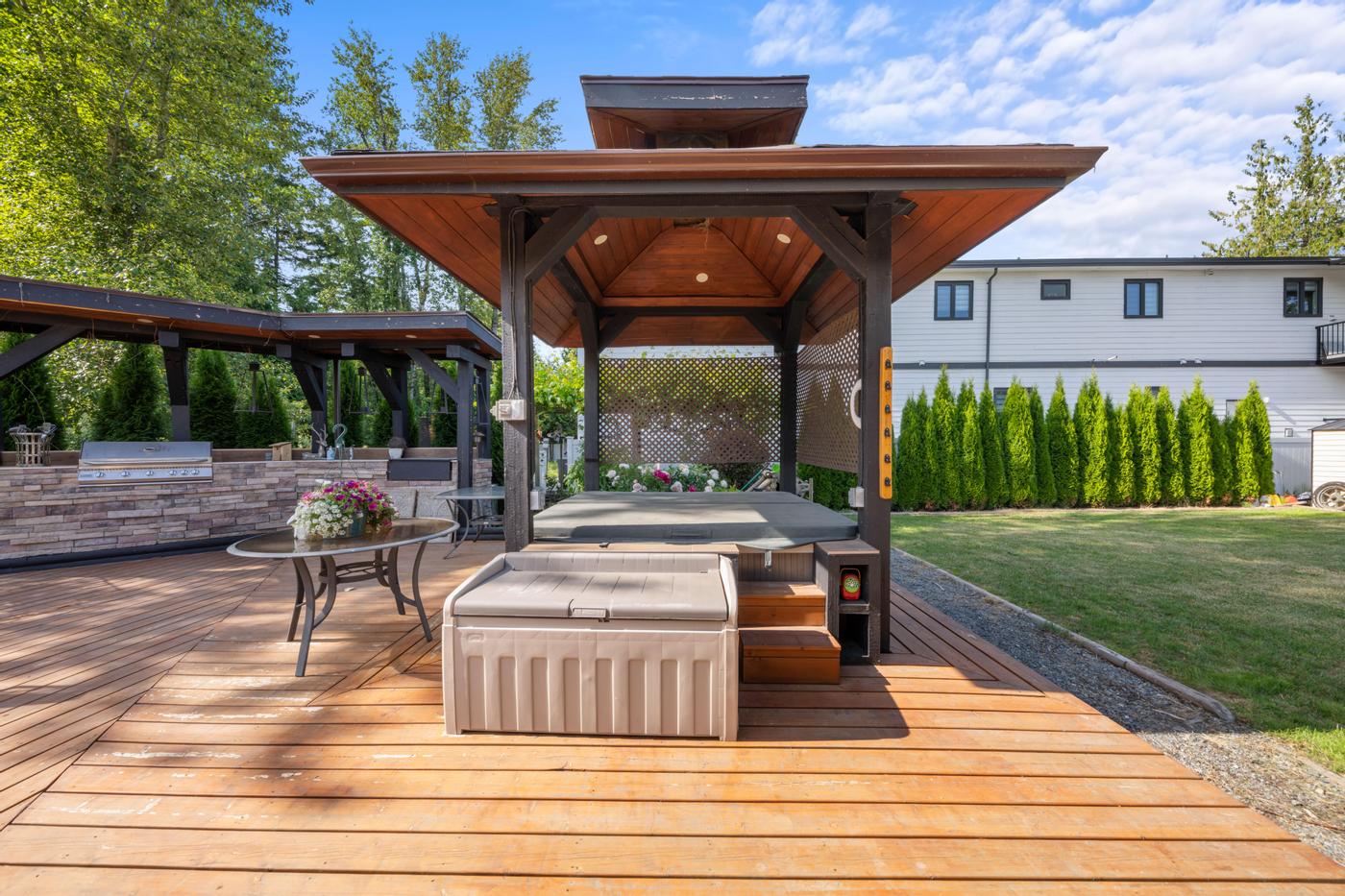
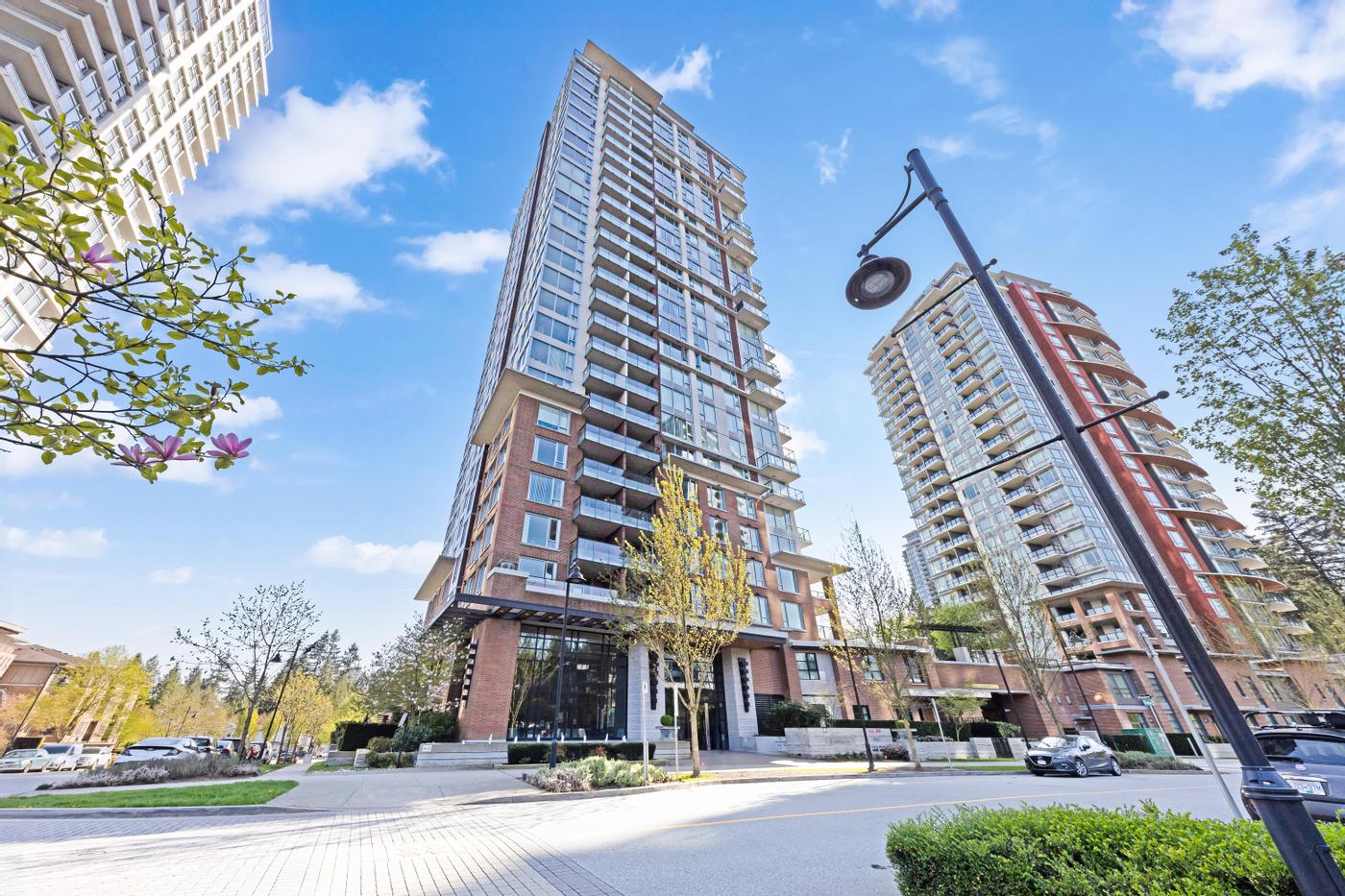
The Launch package is built around a simple idea: cover the two things every buyer looks at first, and do them properly.
What's in it
As of this guide, the Launch package includes:
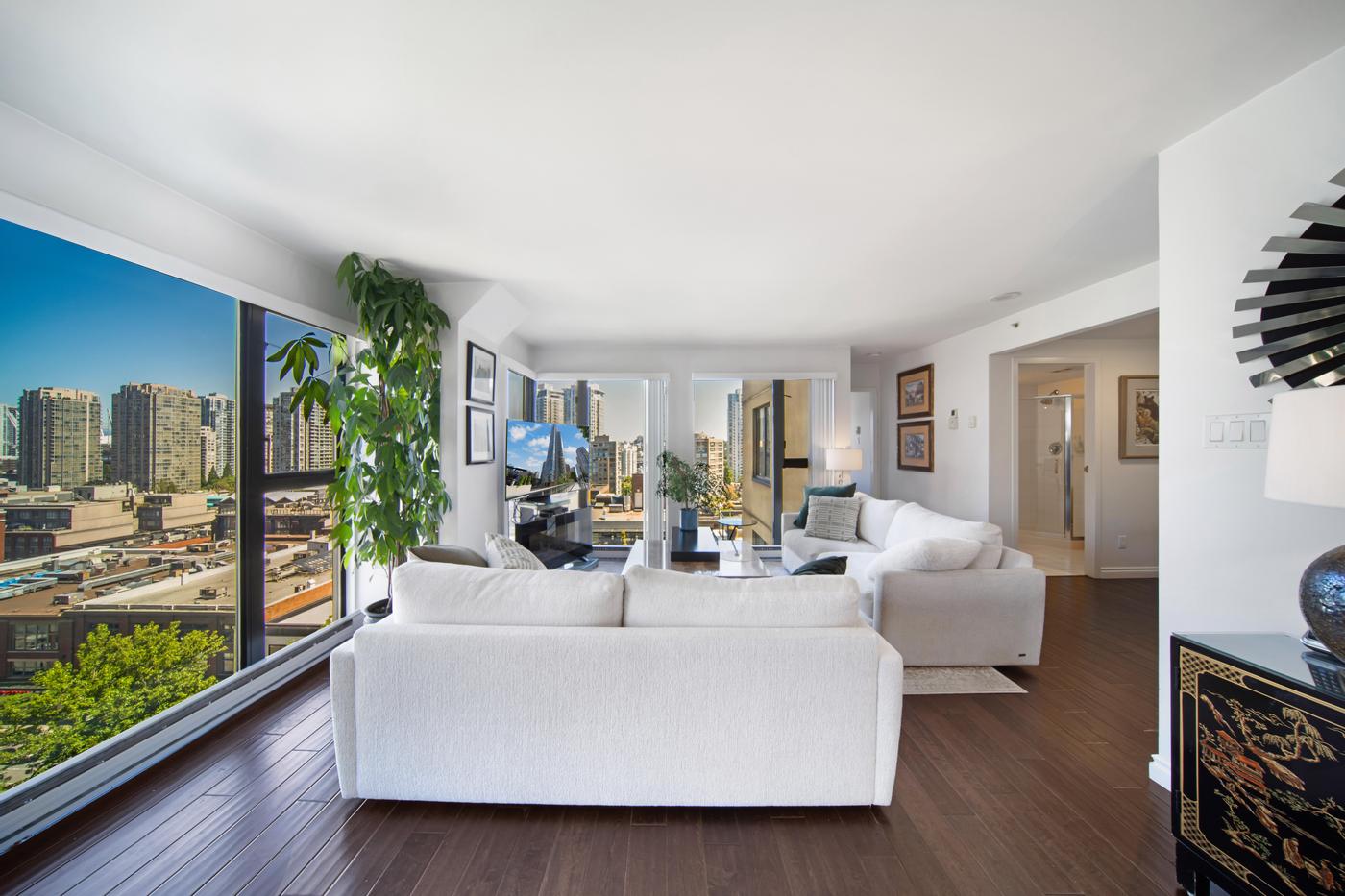
- HDR Photography: balanced interiors and exteriors, with window views that hold detail instead of turning white.
- Floor Plan (LiDar): a detailed 2D floor plan with measurements, captured with LiDAR scanning.
Two services, chosen because every listing needs them. Package contents can change, so the card below is read live from the booking system and shows what's included today.
Package
Launch
Why these two belong together
Buyers look at photos to decide whether they like a home and at the floor plan to decide whether it works for them. A listing with one and not the other leaves half the question unanswered.
- Photos without a plan leave buyers guessing how rooms connect, how big the second bedroom really is and whether the den could work as an office.
- A plan without good photos tells buyers the layout works but gives them no reason to fall for the place.
Together they cover the essentials, and every other service (video, tours, staging) builds on them.
This matters in Metro Vancouver, where condo and townhome buyers often compare several similar units in the same building or complex. When finishes are close, a clear measured plan is often what separates one listing from the next.
It's also why every current package includes a floor plan. Launch is simply the leanest version of that foundation: the larger packages keep HDR photos and a floor plan and add tours, video, a website or print on top.
Who it suits
- Condos and apartments, where buyers compare finishes, views and layouts across similar units in the same building or neighbourhood.
- Smaller townhomes and starter homes with a clear, easy-to-read layout.
- Price-sensitive listings where every marketing dollar needs to show results.
- Investor-focused listings, where buyers care more about layout and condition than atmosphere.
- Realtors who prefer to build à la carte, starting with the essentials and adding exactly what the home needs.
 Our work · Vancouver
How to get the most from Launch
Two services only work hard if you use them well.
Prepare the home for the photos
HDR handles tricky light, but it can't hide clutter. Clear counters, open blinds, turn on every light and put away personal items before the shoot. Vacant units should be clean, with working bulbs in every fixture.
Put the floor plan where buyers look
Don't bury the plan at the end of a long gallery. Place it close to the lead images, add it to your feature sheet and include it when you send details to interested buyers.
Use the photos beyond the listing
One HDR set can feed a full launch: the listing gallery, a "just listed" email, social posts and the feature sheet at the open house. Our listing launch marketing plan shows one way to sequence it.
When to book Launch and when to choose something else
Book Launch when the home's story is told well by great photos and a clear layout. Consider a larger package when:
- Layout and presentation both matter: Showcase adds a Floor View Tour, a property website and a print-ready brochure to the same photos and LiDAR floor plan.
- Flow or atmosphere sells the home: Signature adds cinematic video on top of everything in Showcase: a Floor View Tour, a property website and a print-ready brochure.
- Setting, remote buyers and print all matter: All-in-One covers photos, video, a Matterport 3D tour, a 3D Scan floor plan, drone photography, a property website and a brochure.
Smart add-ons for Launch
Because Launch covers the essentials, it's the easiest package to build on:
- Floor View Tour: places the listing photos on the floor plan at the spot and direction each was taken. It's built from photos and a floor plan, both of which Launch includes, which makes it a natural fit for townhomes and condos with look-alike rooms. See What is a Floor View Tour?
- Twilight Photography: a stronger cover image, especially for detached homes with good exterior lighting.
- Virtual Staging: for vacant units, clearly labelled as virtually staged.
- SpeedSell Video: a one-minute AI-generated video made from your listing photos, for social posts without booking filmed video.
- Property Report: a detailed report of all rooms and dimensions for buyers who want the numbers.
A quick checklist before you book
- Several levels or a suite? Add a Floor View Tour so buyers can place each photo, or look at Showcase, which includes one.
- Vacant unit? Consider Virtual Staging for the main living spaces.
- Exterior looks its best at dusk? Add Twilight Photography for the cover image.
- Planning social posts beyond the listing? Add SpeedSell Video, or look at Signature for filmed video.
- Out-of-town buyers likely? All-in-One's Matterport 3D tour may be worth the step up, or add Matterport on its own.
- None of the above? Launch on its own is probably the right call.
The bottom line
Launch isn't the "basic" option. For many listings it's the right one: the essentials, done well, with room to add exactly what the home needs.