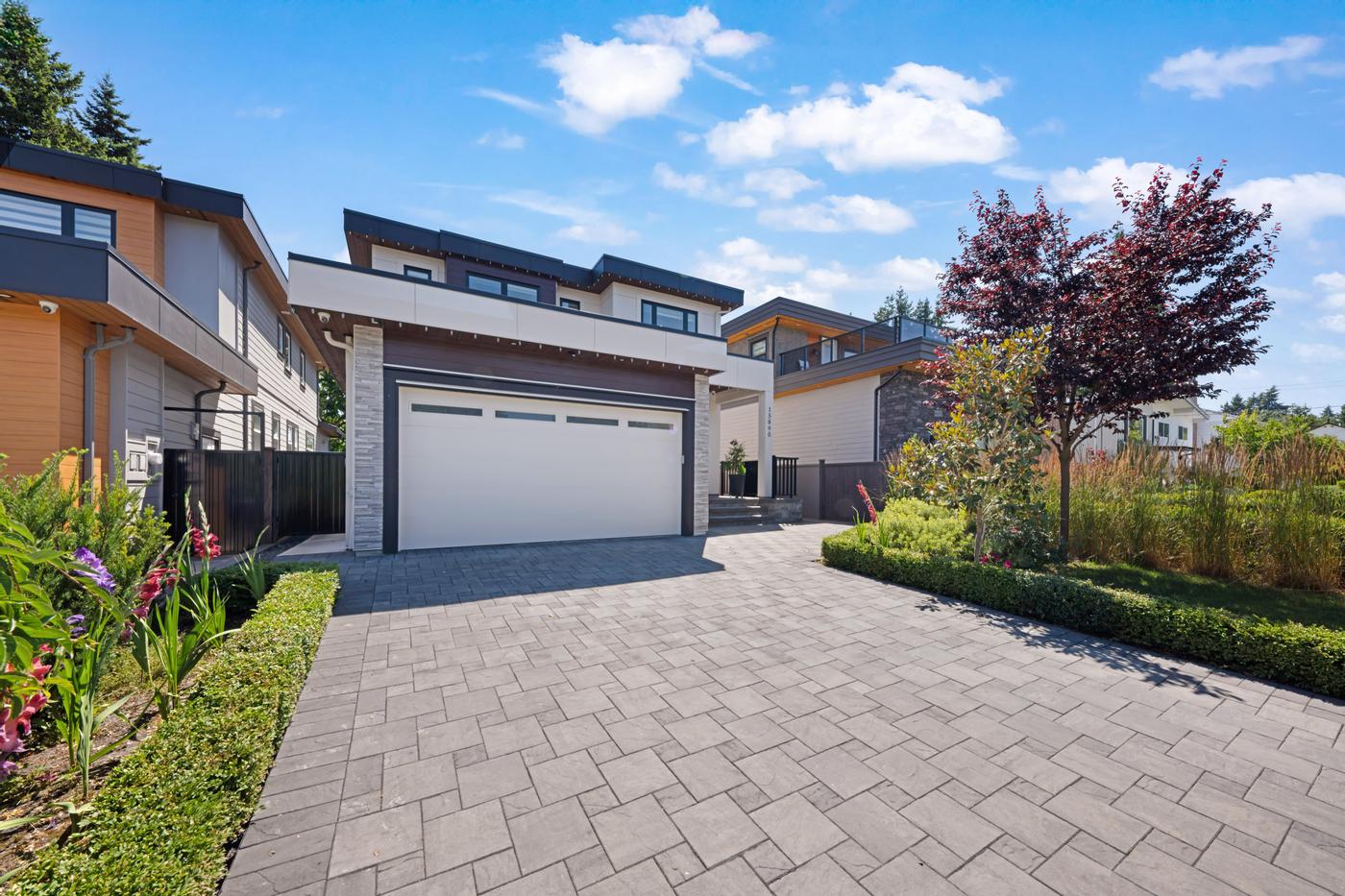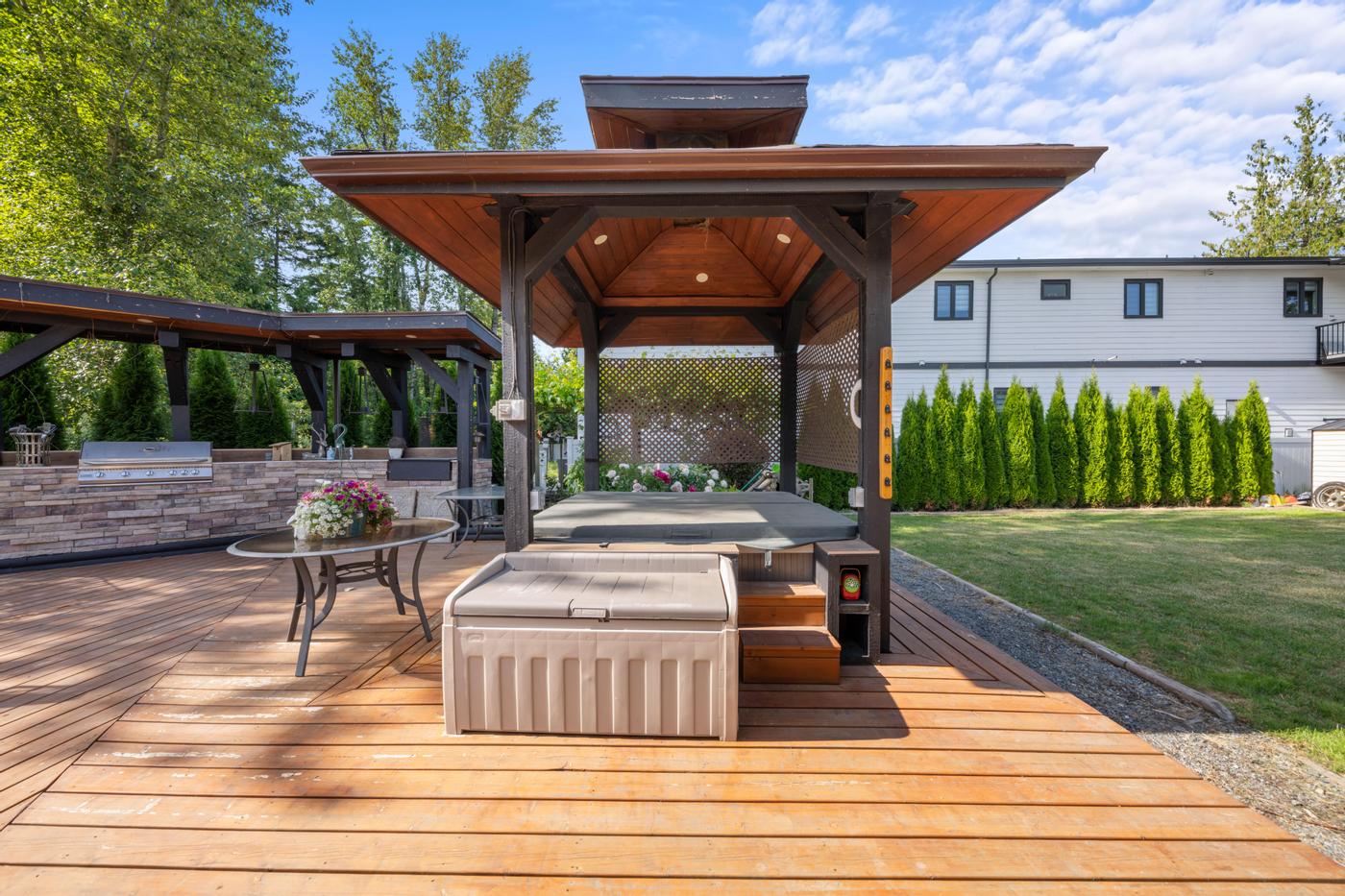
Signature is for listings where buyers will make up their minds before they walk in: relocating families, out-of-town buyers, investors and anyone comparing a long list of homes online. It gives them the feel of the home on video, a clear picture of the layout, and a printed piece to take home after the showing.
What's in it
As of this guide, Signature includes:
- HDR Photography: the stills that lead the listing everywhere it appears.
- Cinematic Video: a filmed walkthrough with music.
- Floor Plan (LiDar): a detailed 2D floor plan with measurements, captured on site with LiDAR scanning.
- Floor View Tour: each listing photo placed on the floor plan where it was taken, with a marker showing which way the camera faced.
- Property Website: a dedicated single-property site that brings it all together.
- Brochure Design: a ready-to-print PDF brochure, with optional printed copies.
The live contents and price are below.
Package
Signature
- HDR Photography
- Cinematic Video
- Property Website
- Floor Plan (LiDAR)
- Virtual Tour (FloorView)
- Brochure Design
Why the combination works
Each piece answers a different question:
- Photos: "Is it attractive?"
- Video: "What does it feel like?"
- Floor plan: "Will the layout work for us?"
- Floor View Tour: "Which room is this, and where is it?"
- Property website: "Where do I find all of it?"
- Brochure: "Which home was that again?" It's the piece buyers take home from a showing and compare at the kitchen table.
Together they let a serious buyer do most of their evaluation remotely, and remember the home clearly after they've seen it. The aim is fewer casual walk-throughs and more showings with buyers who already know the home suits them.
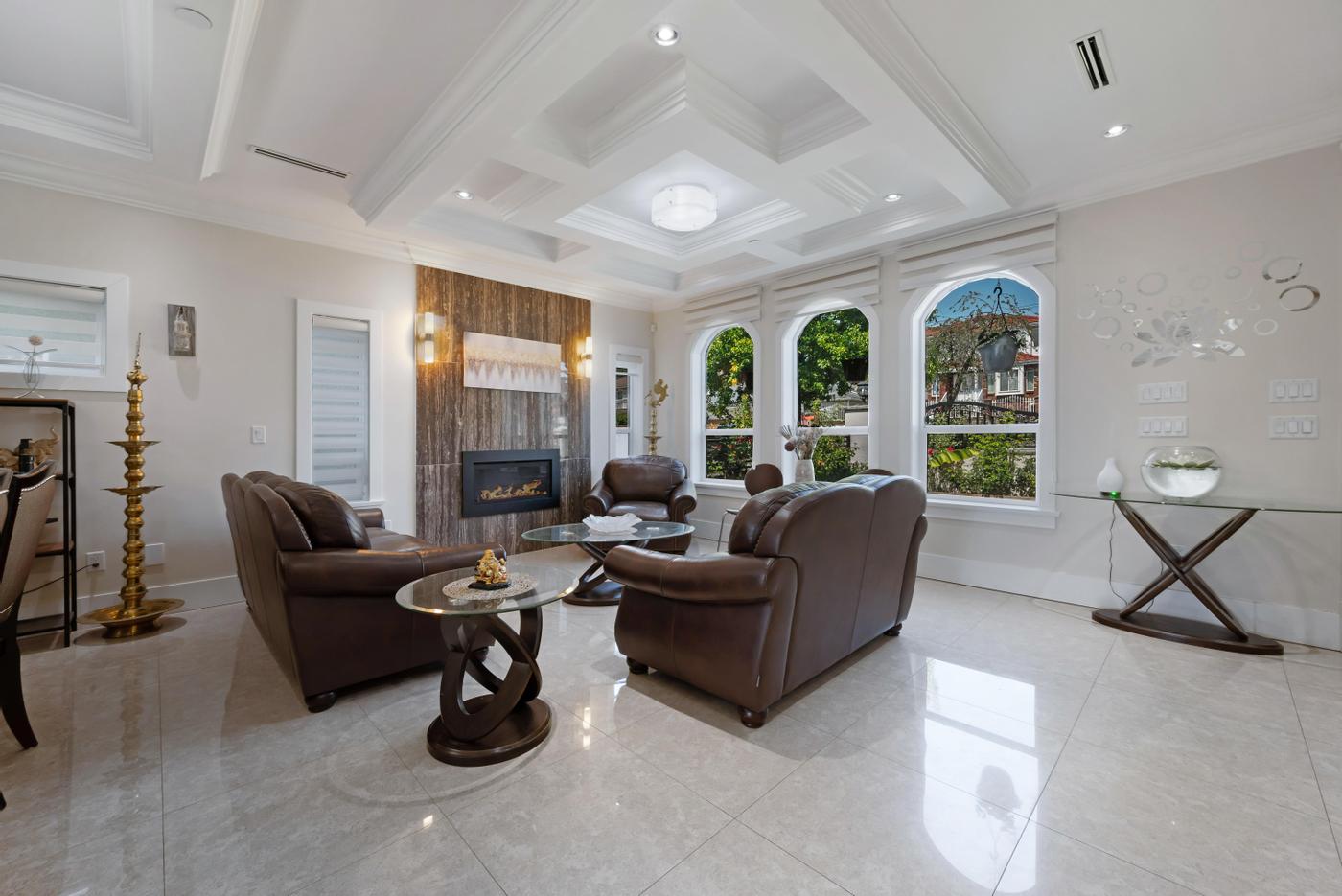 Our work · Vancouver
Video and layout, side by side
Photos and video are curated: you choose the angles and the order, and the walkthrough shows how light moves through the space and what it feels like to arrive. What neither can do on its own is explain the layout. Buyers watching a video often lose track of which way they're facing or which floor they're on.
That's the gap the floor plan and the Floor View Tour fill. The plan shows the whole layout at a glance. The tour pins every photo to the plan at the spot it was taken, pointing the way the camera faced, and lets buyers switch floors on a multi-level home. After watching the video, a buyer can open the tour and answer the practical questions: how far the primary bedroom is from the kids' rooms, whether the suite has its own entry, where the laundry sits.
It also helps after a first viewing. When a couple is deciding between two homes, the video brings back the feeling, the plan settles the practical debate and the brochure keeps the key facts in front of them.
The Floor View Tour isn't a 3D or 360° walkthrough. If you want buyers to move freely through the space in 3D, see the options below.
Who it suits
- Homes where flow and atmosphere sell: open-plan living, great natural light, indoor-outdoor spaces, a view that carries through several rooms.
- Multi-level homes and homes with suites, which are hard to understand from photos or video alone.
- Listings likely to attract remote buyers: relocation, second-home buyers and out-of-province interest.
- Listings with open houses or private showings, where a printed brochure supports the conversation in person.
- Realtors building a social presence, who need video content for weeks, not days.
- Sellers who want fewer casual showings, including occupied homes where every showing means clearing out.
Getting the most from Signature
- Prepare the whole home, not just the feature rooms. Video shows more than a photo set, and the Floor View Tour places every photo on the plan, so hallways, stairs and secondary bedrooms all need to be ready.
- Plan the story before the shoot. Decide what buyers should see first and what the feature moment is: the view from the deck, the kitchen island, the primary suite. Share it when you book.
- Lead with the website for out-of-town enquiries. When someone from far away asks for more information, send the property website with the video and the tour together.
- Make the tour easy to find. Put the link where your listing system allows a virtual tour, and feature it on the property website.
- Close the loop in print. Put the property website address or a QR code on the brochure so buyers who take one home can get back to the video and tour.
- Present the pieces in order. Photos first, then video, then the plan and tour for buyers who want to go deeper. See how to present a home for sale online.
A simple remote-buyer workflow
- Send the property website first, so the buyer sees the photos and video in one place.
- Walk through the Floor View Tour together on a video call once they show interest.
- Answer measurement questions with the floor plan.
- Send the brochure PDF so they have the key facts in one document to share with family.
- Book an in-person showing, for the buyer or someone acting for them, once their shortlist is down to a few homes.
By the time they visit, they're confirming a decision rather than starting one. For turning the video into posts, see how video helps sell a listing.
When to choose something else
- If you need aerials or an immersive 3D walkthrough, All-in-One adds drone photography and a Matterport 3D tour, with a 3D Scan floor plan in place of the LiDAR plan and Floor View Tour.
- If filmed video is more than the listing needs, Showcase keeps the photos, floor plan, Floor View Tour, website and brochure without the video.
- If you're deciding how to explain the layout, we compare the options in Floor View Tour vs floor plan vs Matterport.
Smart add-ons
- Matterport 3D tour: for buyers who want to explore the home freely in 3D.
- Twilight: a cover image that matches the rest of the package, and a strong brochure cover.
- Drone Photography: when the lot, the view or the location is part of the story.
- SpeedSell Video: a one-minute AI-generated video from your listing photos, for a second, shorter clip.
The bottom line
Signature brings the showing to the buyer, wherever they are: video for the feeling, a floor plan and Floor View Tour for the layout, a website that keeps it all on one page, and a brochure that goes home with them.